Instructions for setting up Outlook email on mobile devices: Apple iOS and Android. Additional training for Outlook and Office 365 can be found at https://office365.psu.edu/applications/.
- Go to https://outlook.office365.com/ and you should be immediately redirected to a Microsoft login window.
Image
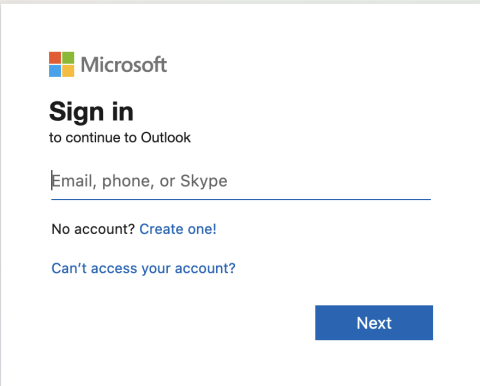
- Enter your Penn State email address (e.g. xyz789@psu.edu) and click the 'Next' button.
- If you are directed to another page asking if your account is a business account or a personal account, select business account.
- You will be redirected to a standard Penn State login page. Login using your PSU email address and password.
- If you are unable to complete your 2FA, please contact central Penn State IT at ITservicedesk@psu.edu.
- You may be asked if you would like to stay signed in. You can either accept or decline this; it's up to you.
- After successfully signing in you will be redirected to your Penn State Outlook email inbox.