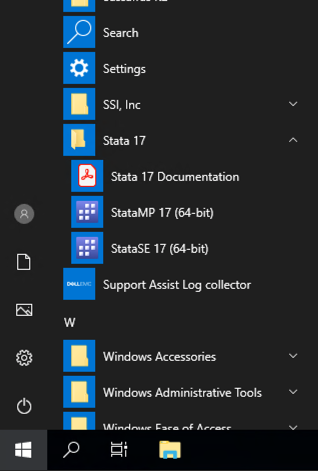
PRI has a limited number of licenses for Stata/MP(2-core). Stata/MP is recommended if you have very large numbers of variables and observations.
If you attempt to use Stata/MP, you might see an error that all licenses are checked out. You can choose to be placed in a queue and you will be notified when a license becomes available. When you are notified, you will have 5 minutes to open Stata/MP.
PRI has a large number of Stata/SE licenses. Stata/SE is recommended for all users and you never have to wait for a license.
Please see https://www.stata.com/products/which-stata-is-right-for-me/ to compare the versions.